8:00 AM
Your whole day, one calm line.
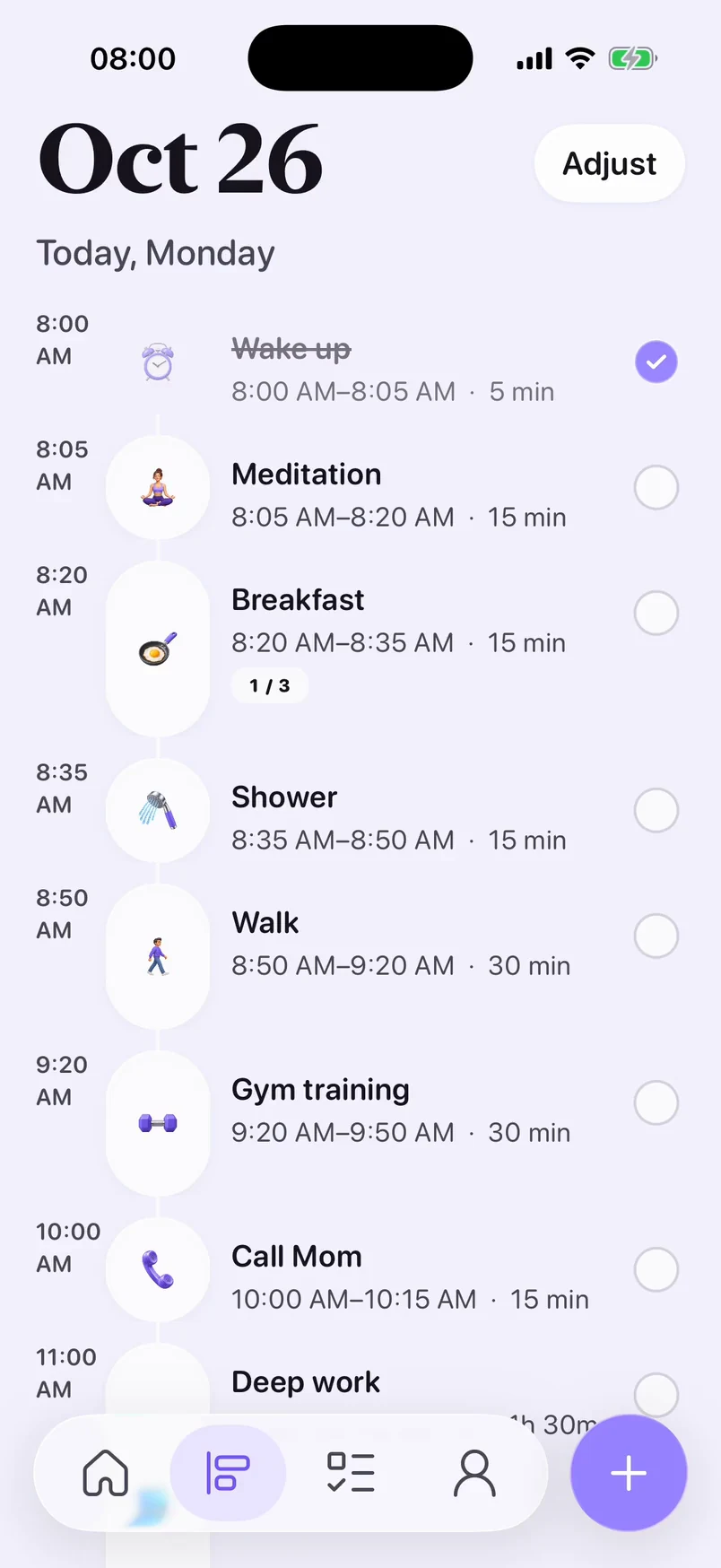
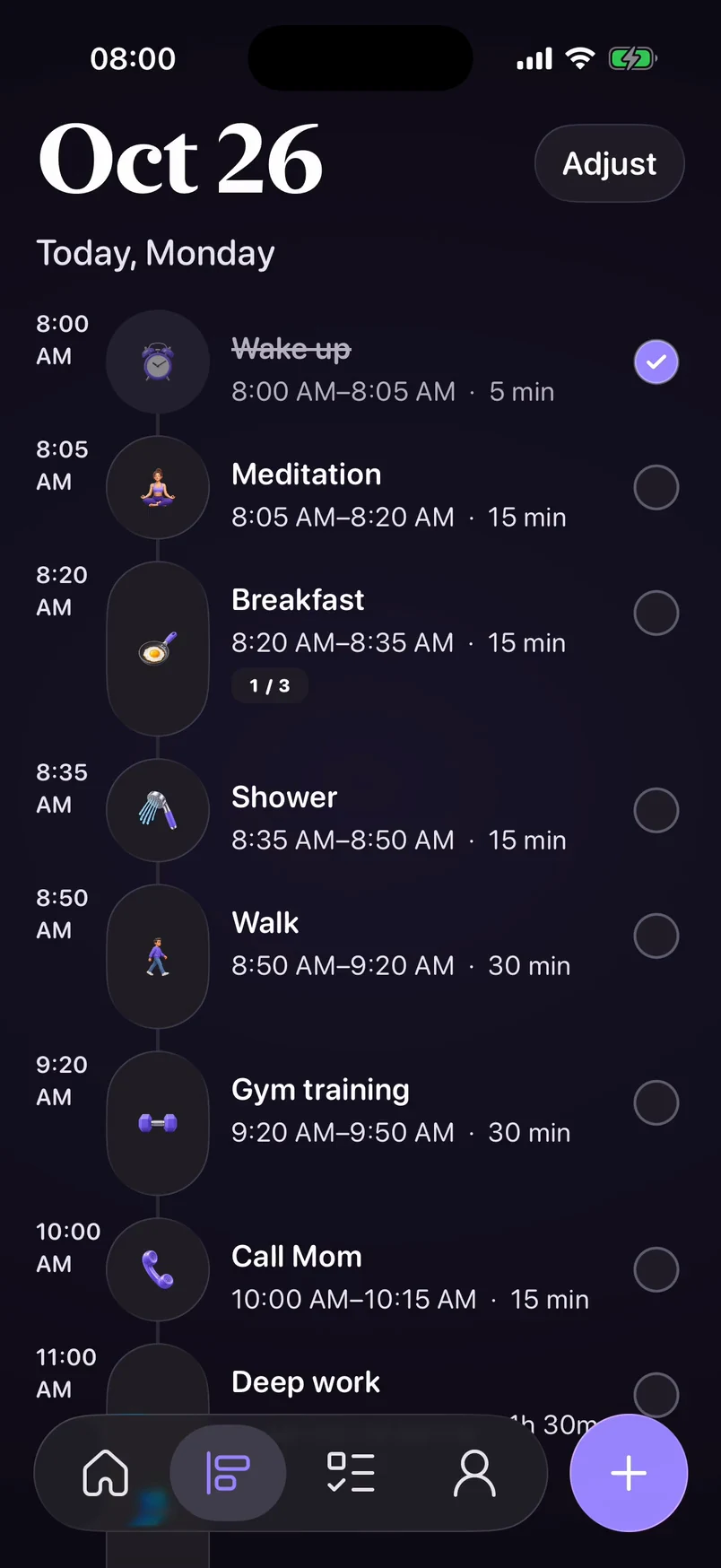
Tasks and habits share one timeline. Drag to reschedule when plans change.
 Lume
LumeA daily planner app for iPhone: tasks, habits, and the energy you have today.
A new day. Let’s see what fits.

8:00 AM
Tasks and habits share one timeline. Drag to reschedule when plans change.
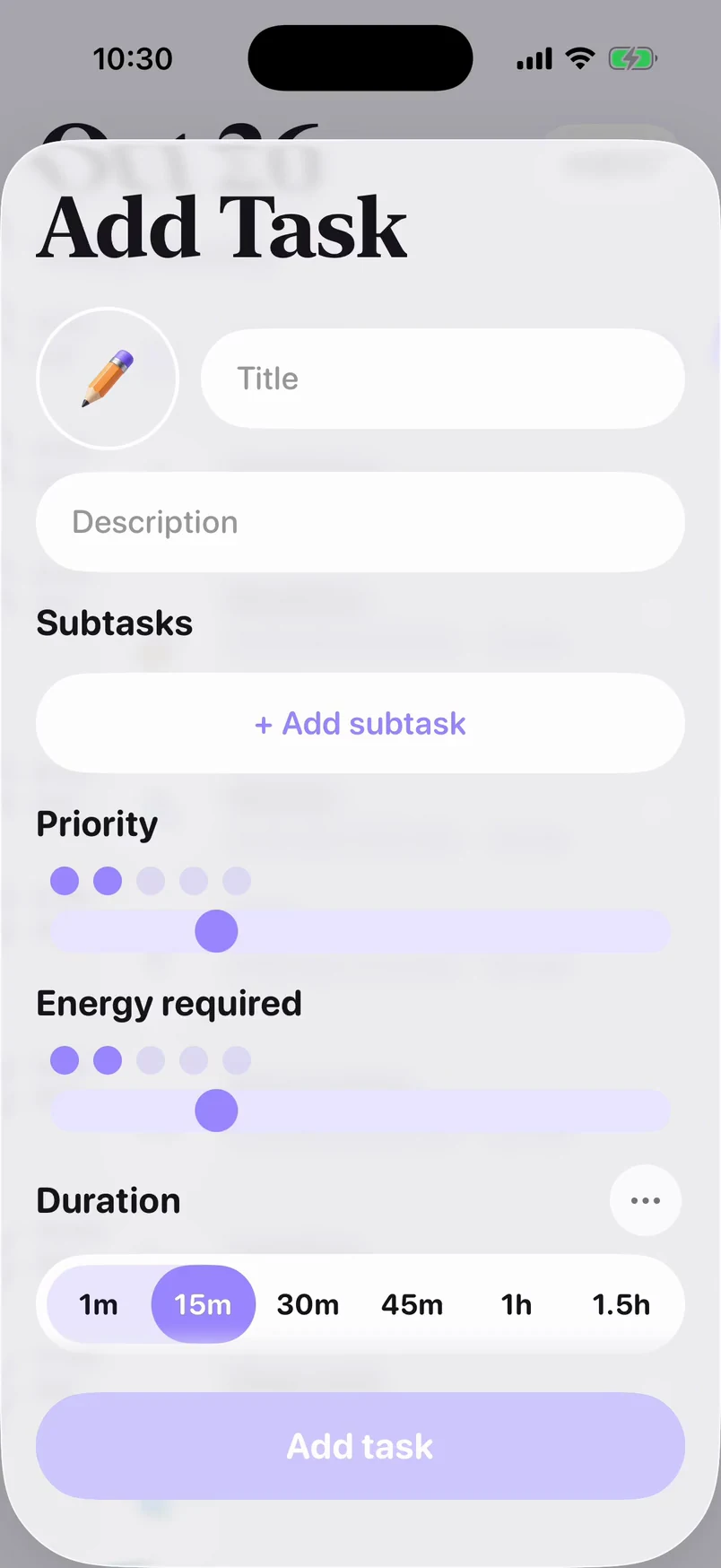
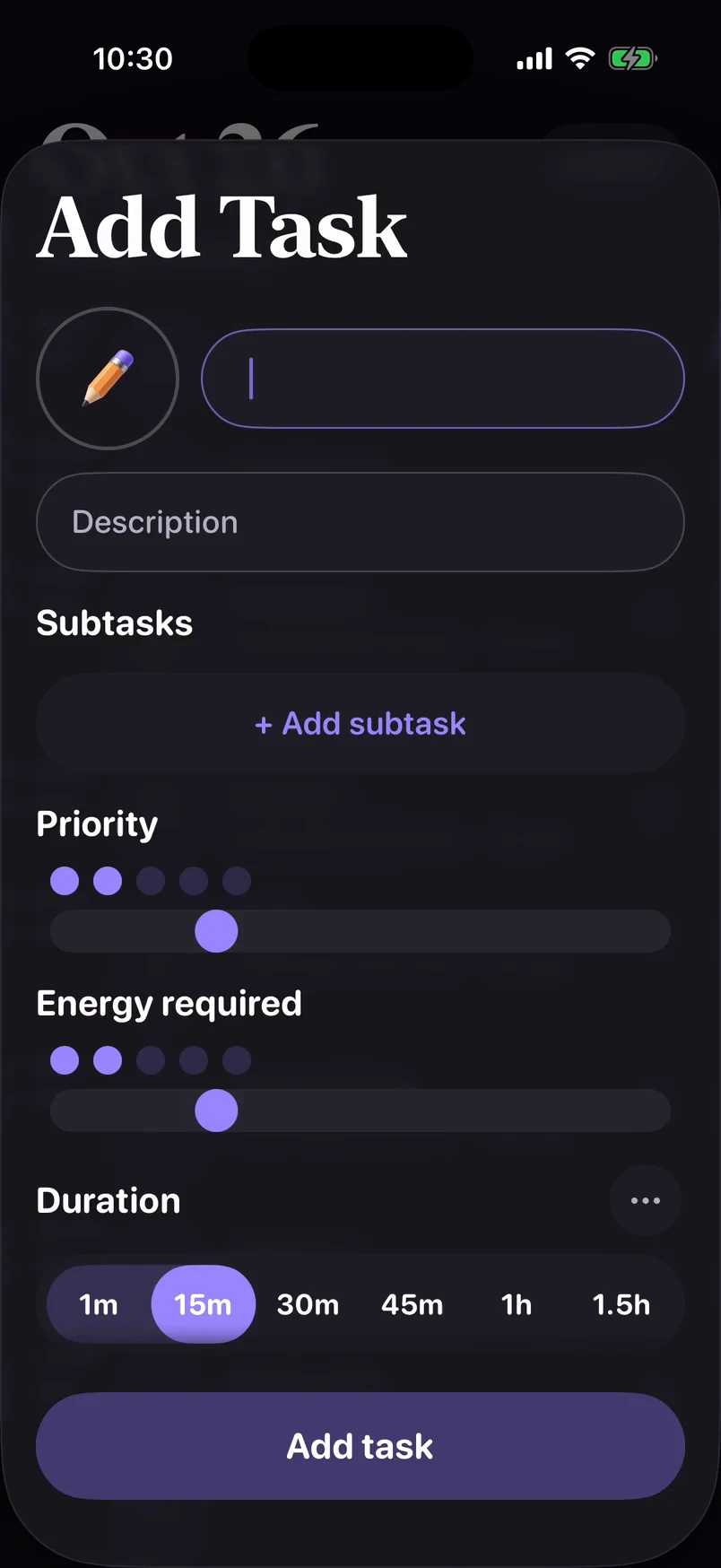
10:30 AM
Type a task — Lume picks an icon. You set the time and how much energy it takes.
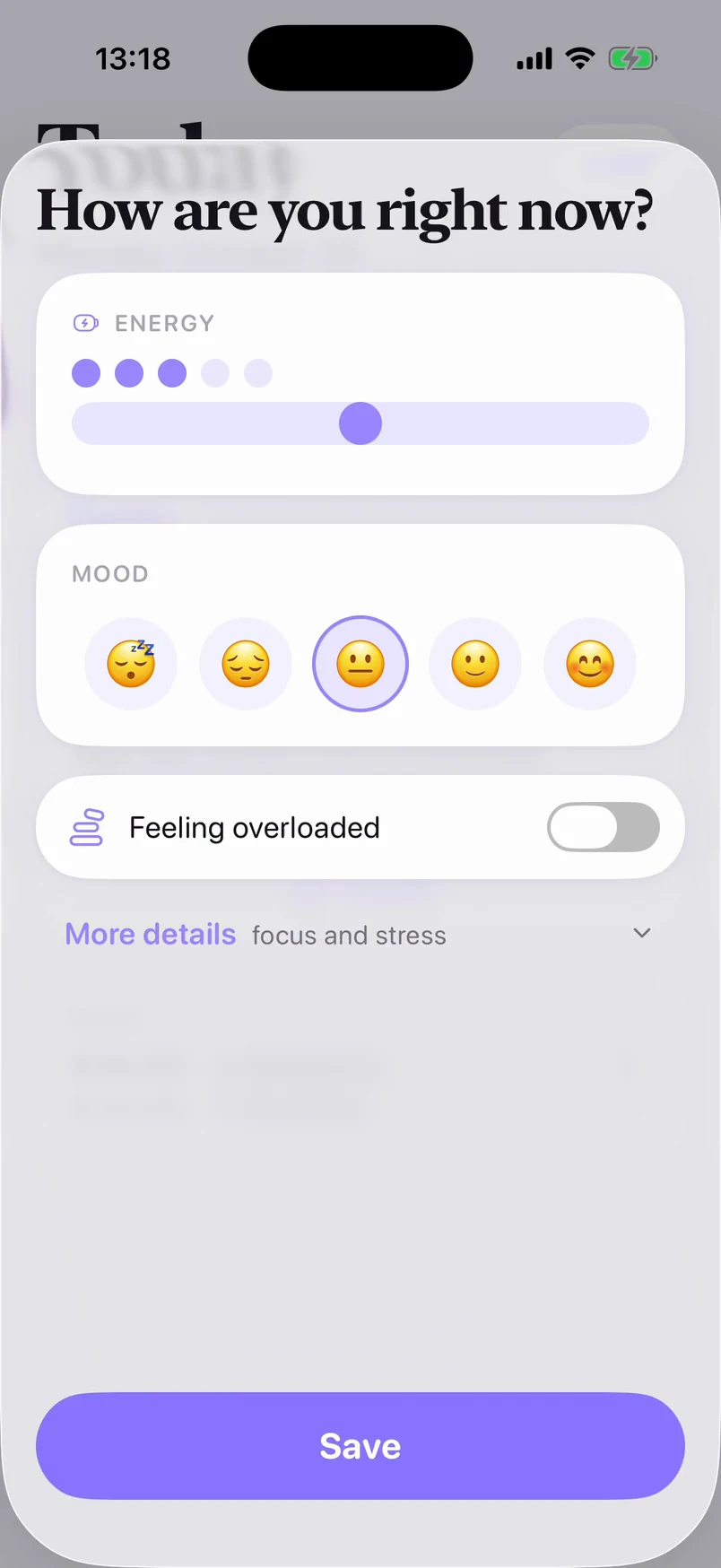
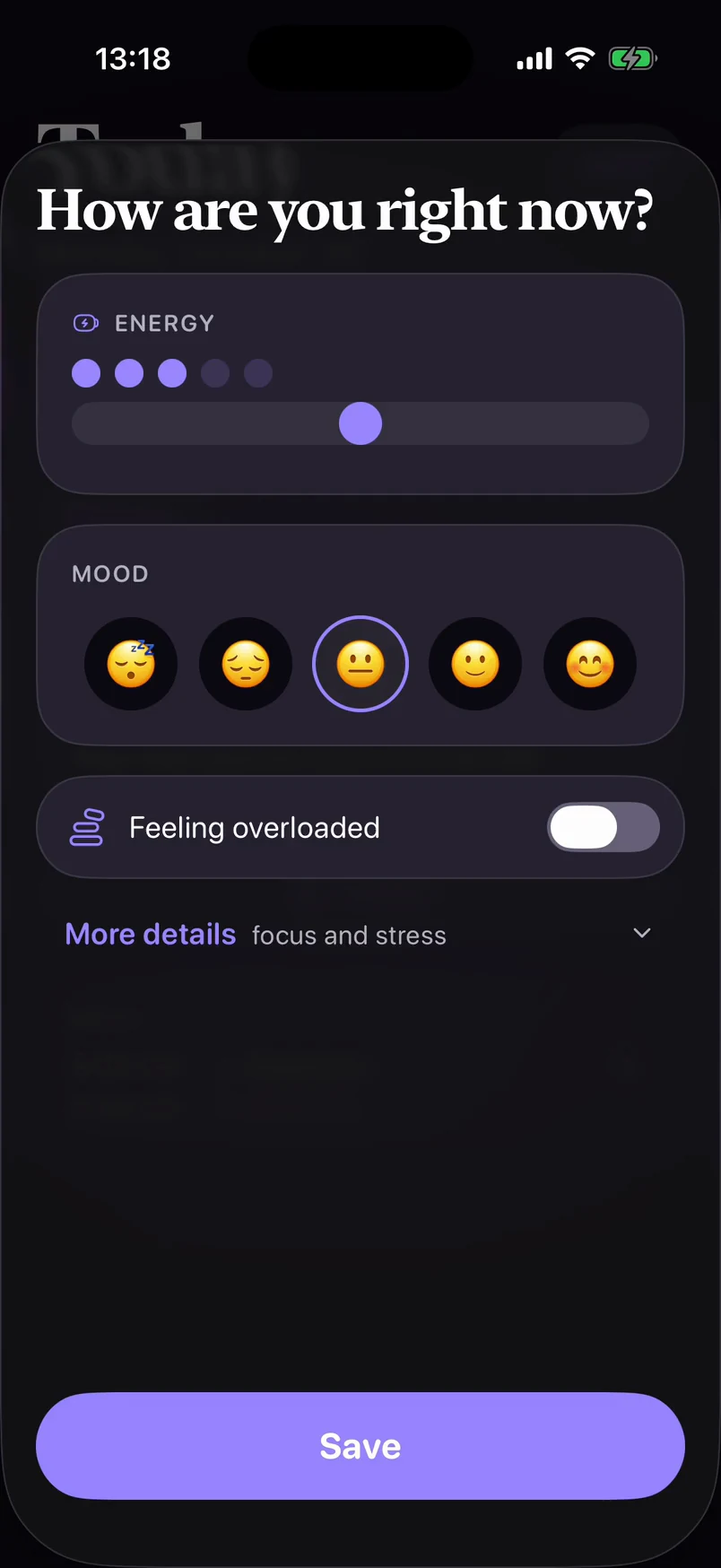
1:18 PM
Two taps: your energy and your mood.
1:20 PM
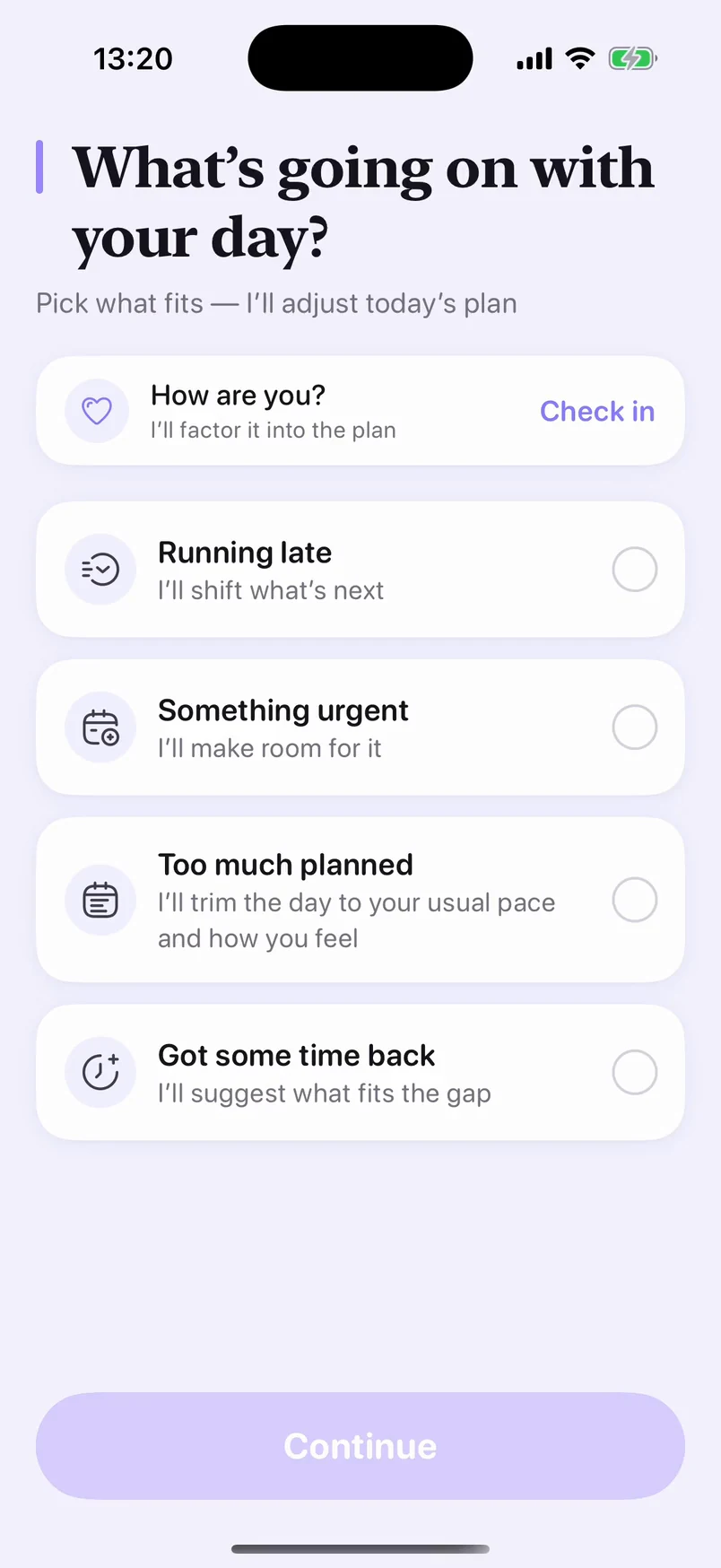
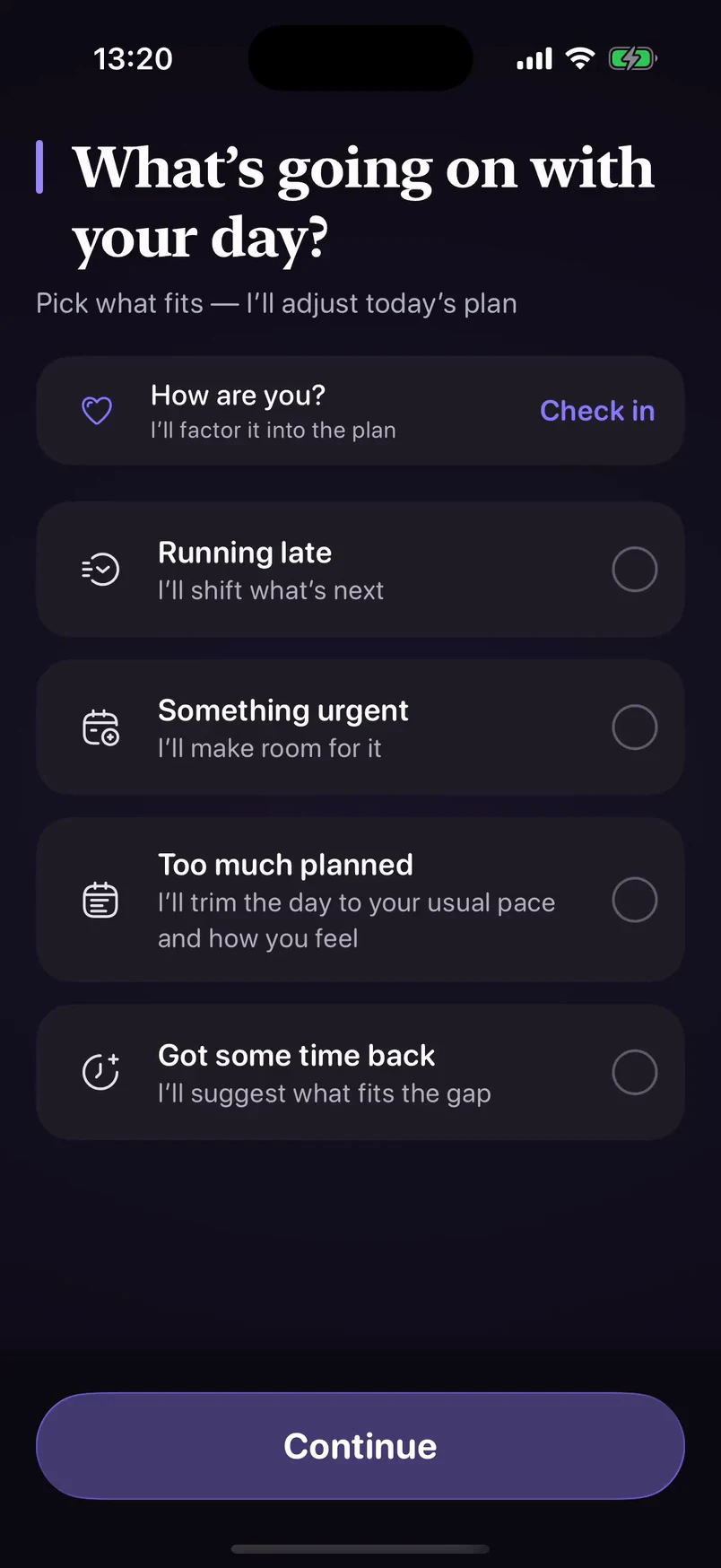
When the day is fuller than you are, Lume suggests what to move. You choose — nothing moves without your say.
2:05 PM
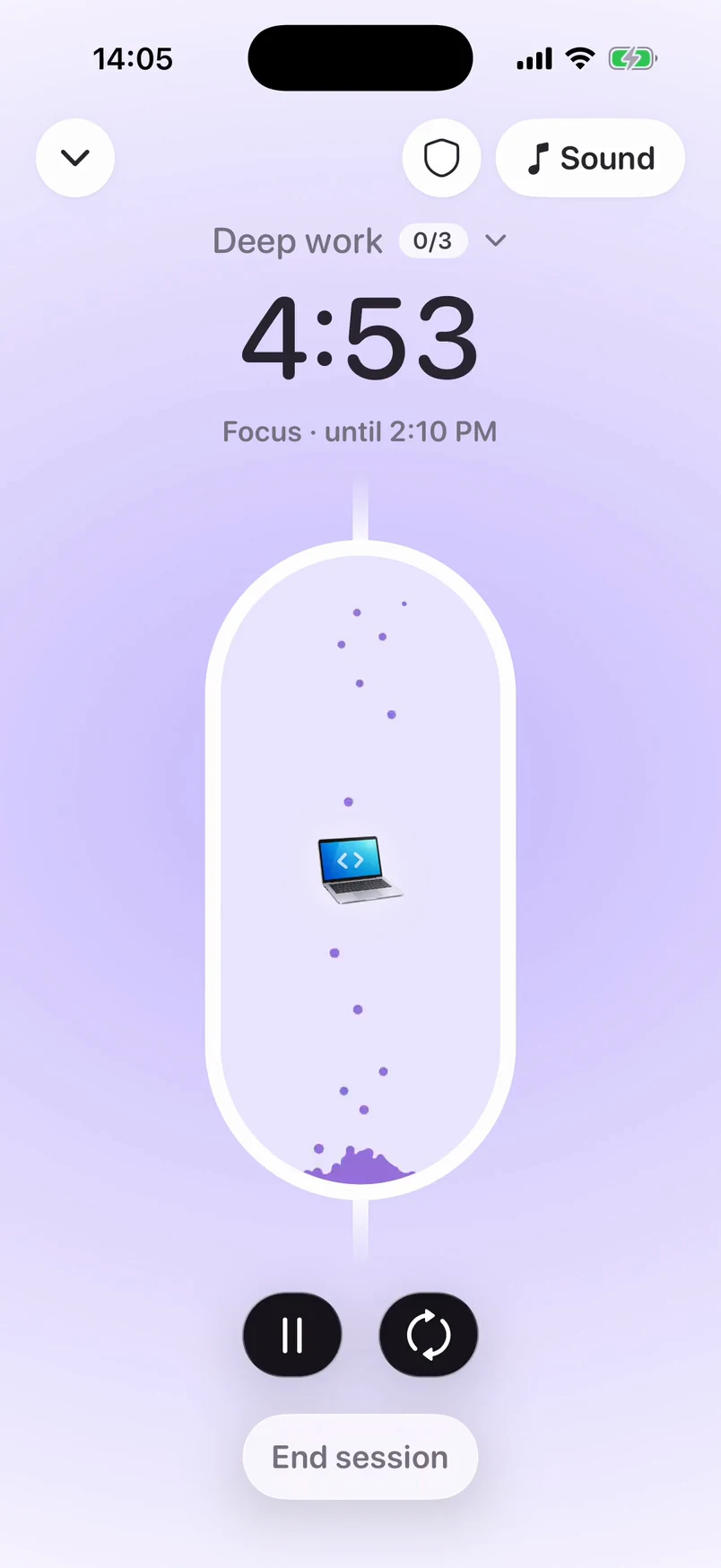
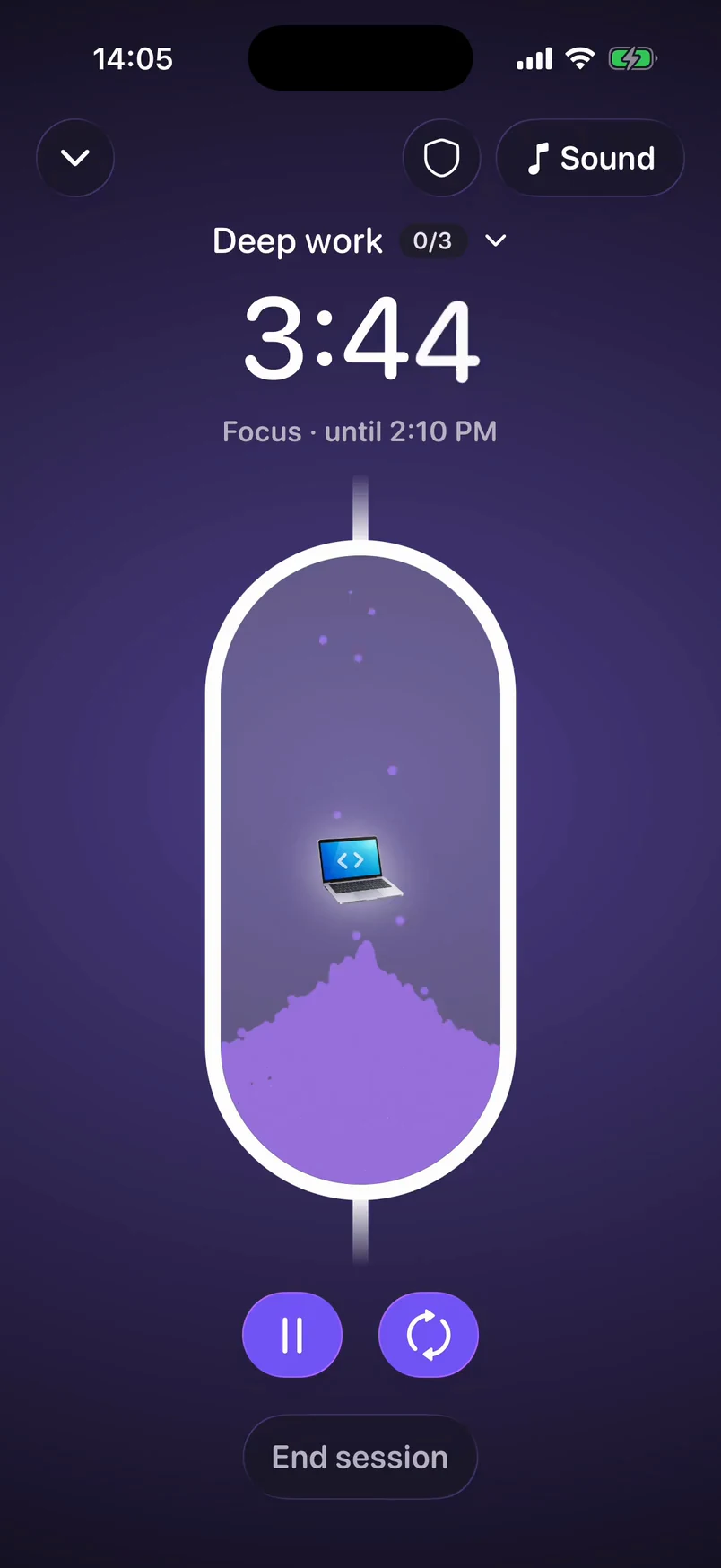
Watch the sand fall while you work. With Lume Plus, No Distractions holds back the apps you pick until your break.
5:00 PM
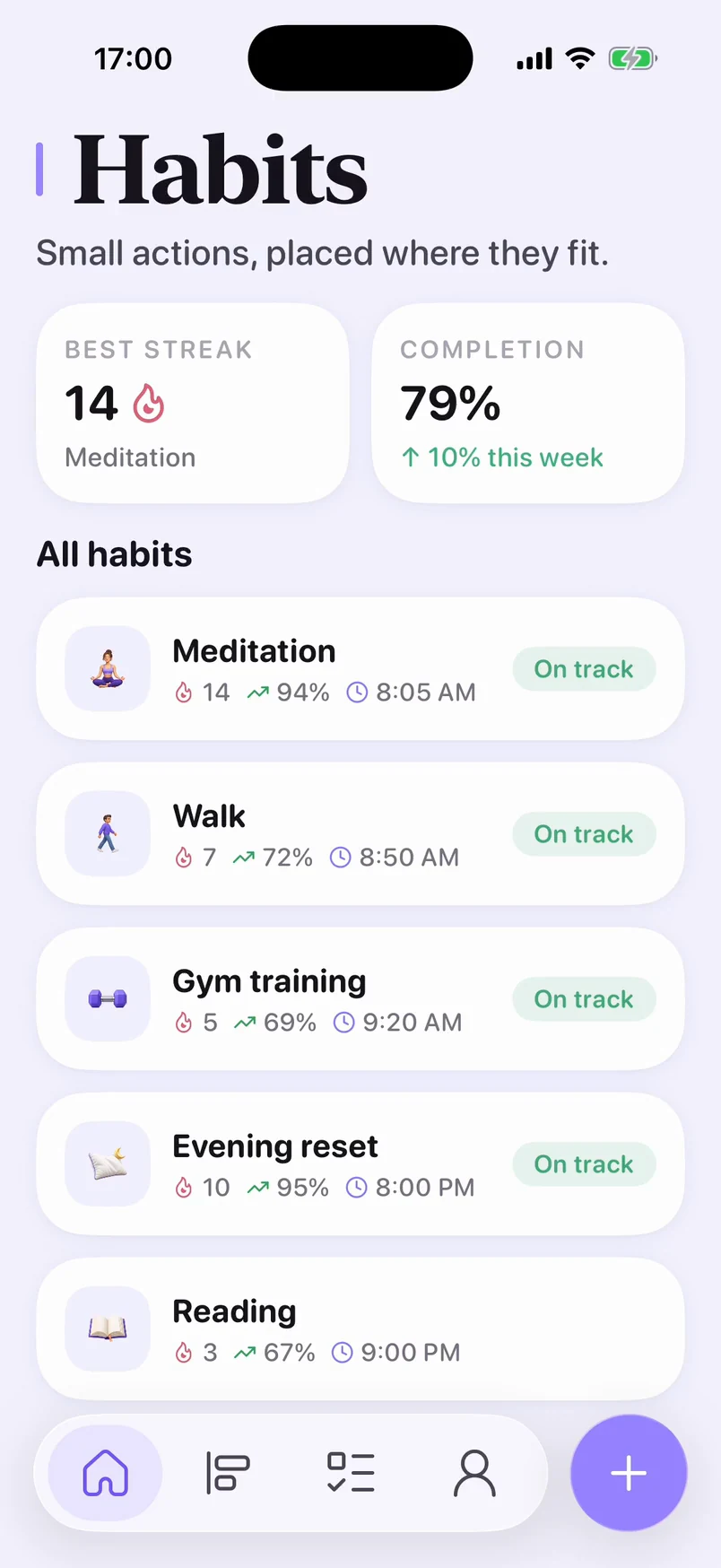
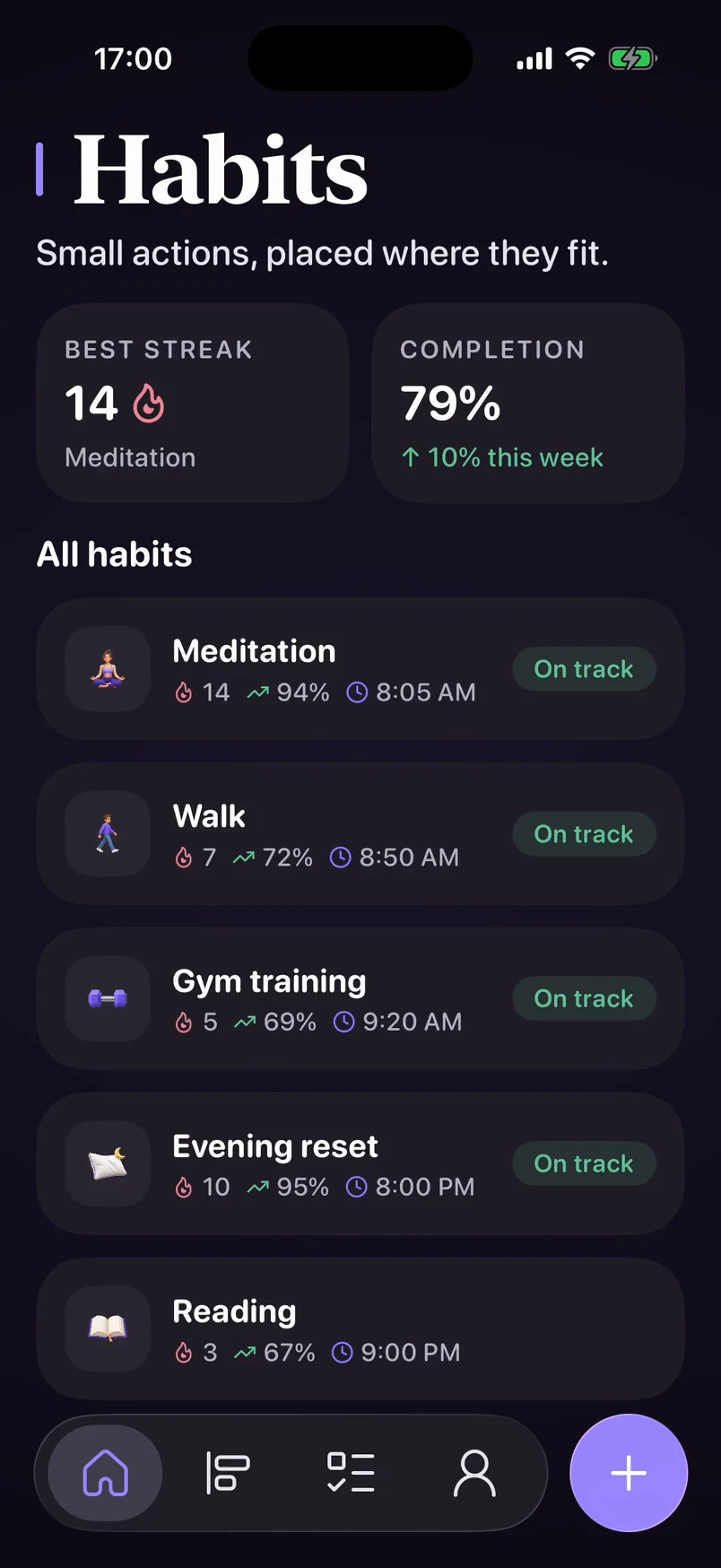
Streaks and completion show your progress. Missed a day? Lume helps you pick it back up.
9:30 PM
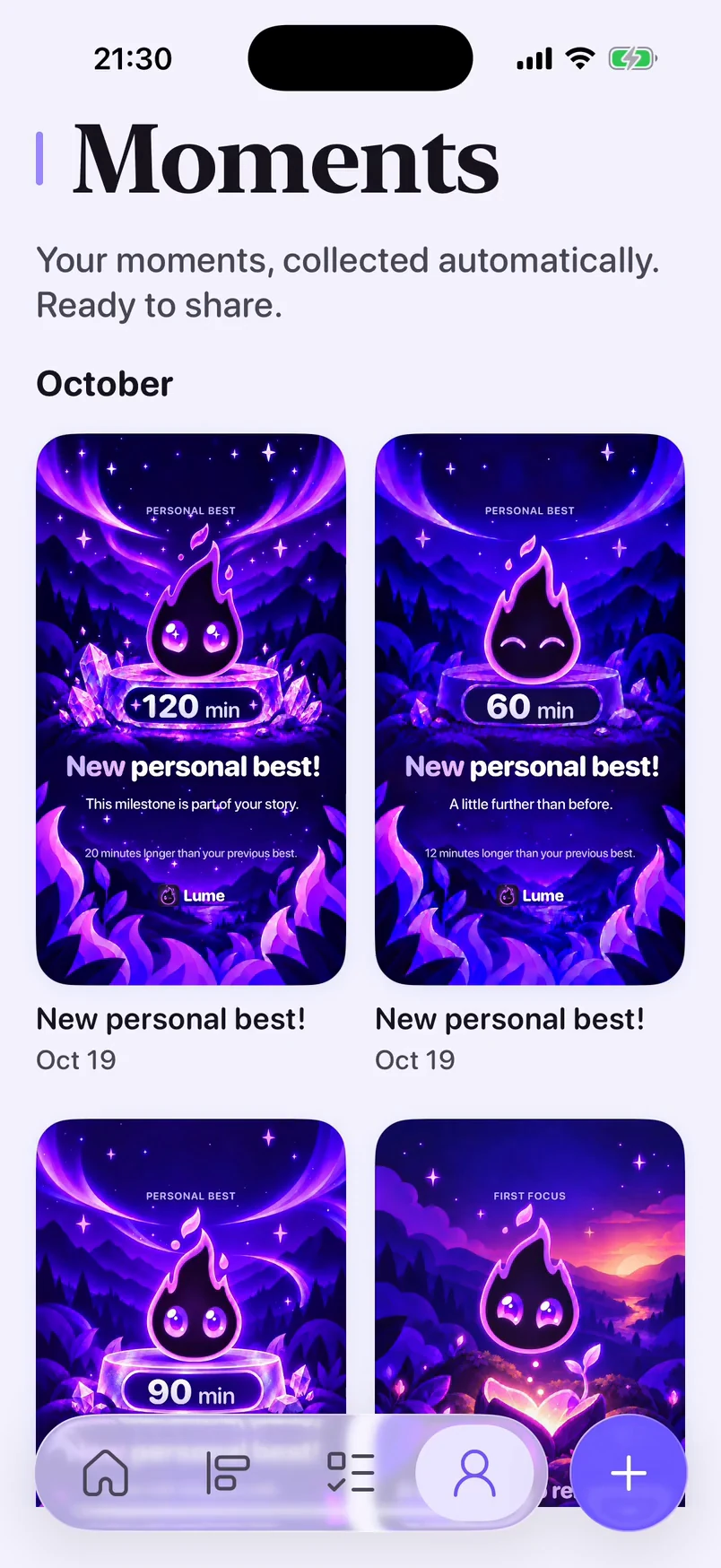
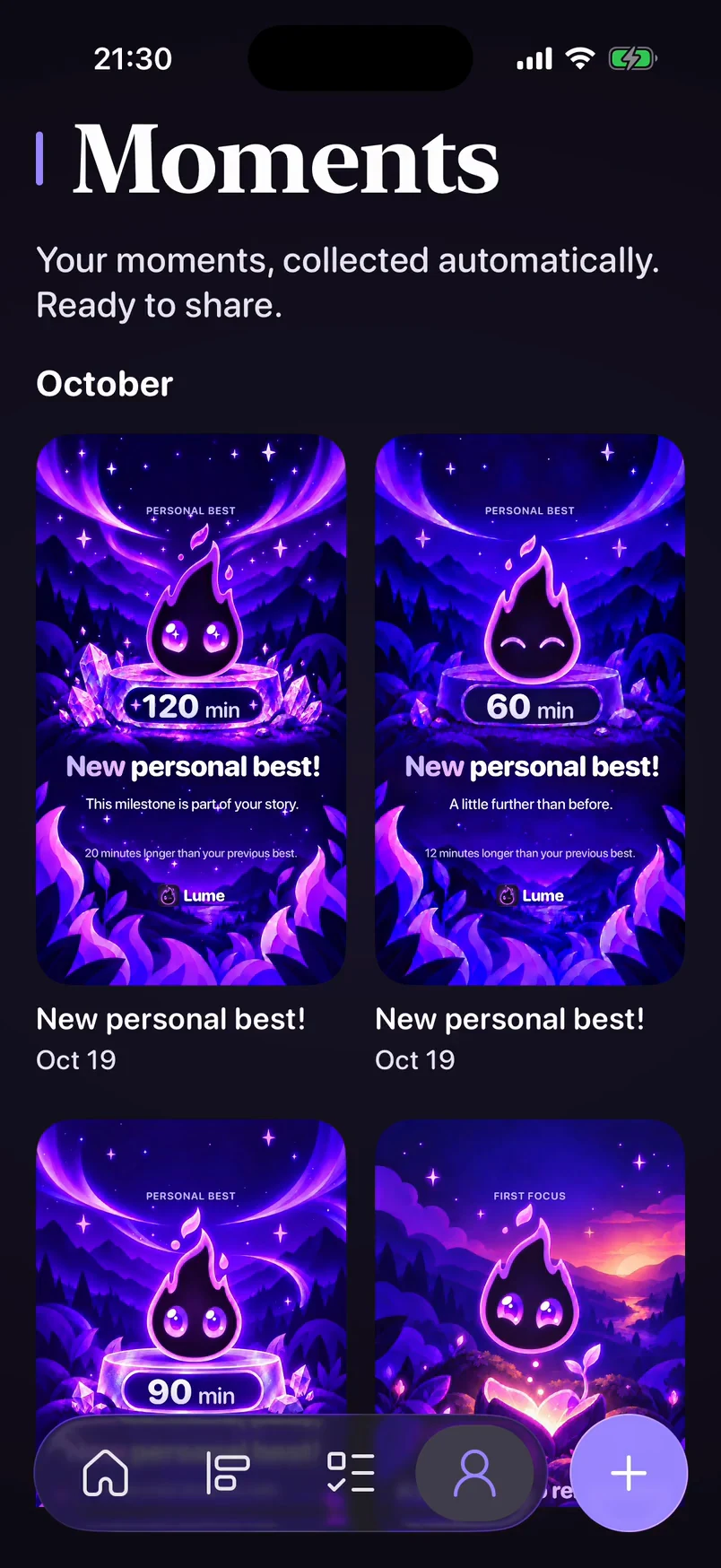
Moments collect your week as cards you can keep or share.
Some days you have a lot to give. Some days you don’t. Lume plans around the energy you actually have — gently, without guilt — and you always make the call.
Built around how you feel, not just what’s due.
Every task has an energy cost, so your day fits what you have — not just your calendar.
Want to move it to tomorrow?

Lume asks, never scolds. Missed something? Move it, skip it, or try again tomorrow.
You can edit these insights in the app.
Lume notices your rhythm and keeps what it learns on your iPhone. You can see it, correct it, or reset it.
Lume thinks ahead with you — and No Distractions protects your focus.
| Features | Free | Plus |
|---|---|---|
Tasks & habits Your everyday planning essentials. | FreeIncluded | PlusIncluded |
| Plan with AI | ||
AI day plan Lume proposes a plan that fits your energy. | FreeNot included | PlusIncluded |
Ask Lume Help with your day. | FreeOn-device | PlusWith AI |
Clear steps AI breaks big tasks into small steps. | Free3 per week | PlusIncluded |
Smart scheduling A free slot that fits your day and rhythm. | FreeNot included | PlusIncluded |
Adaptive habitsSoon On a busy or low-energy day, Lume trims this habit to a realistic minimum. | FreeNot included | PlusSoon |
| Deep focus | ||
No Distractions Set distracting apps aside until your break. | FreeNot included | PlusIncluded |
Lume Music Focus stations: Quiet Hours and Cozy Lo-fi. | FreeNot included | PlusIncluded |
| Knows you better | ||
Apple Health sleep Sleep for your day plan | FreeNot included | PlusIncluded |
More from Apple HealthSoon Workouts and recovery to read your energy. | FreeNot included | PlusSoon |
Deeper insights & Your rhythmSoon Your patterns by weekday and a monthly recap. | FreeNot included | PlusSoon |
| Make it yours | ||
Seasonal Moments A special look for your month | FreeNot included | PlusIncluded |
App iconsSoon Choose the look of Lume on your Home Screen. | FreeNot included | PlusSoon |
iCloud syncSoon End-to-end encrypted sync between your devices. | FreeNot included | PlusSoon |
Apple Reminders importSoon Bring your reminders into Lume. | FreeNot included | PlusSoon |
AI features use our server only with your permission. Try Lume Plus free in the app. Billing is handled by Apple.
Yes: tasks, habits, the timeline, focus and check-ins are free, with three “Clear steps” a week. Lume Plus adds the AI day plan, Ask Lume with AI, more clear steps and No Distractions.
No account. Your data stays on your iPhone; export or delete it in Settings. AI features in Lume Plus send only what’s needed to our server, and only after you allow it.
Each task has an energy cost from 1 to 5. Lume adds them up to show whether your day is light, balanced or intense; check-ins tell it how much you have today.
Only if you allow it. By default Lume suggests changes and you decide; you can turn automatic moves on in Settings.
iPhone with iOS 26 or later.
In your Apple Account subscriptions (Settings › your name › Subscriptions). Billing is handled by Apple.
English and Russian.

Plan tomorrow in a minute, then rest.